Text Rendering & Benchmarking
# Copyright 2026 Helge Gehring, Simon Bilodeau and contributors.
# Licensed under the Apache License, Version 2.0.
# ---
# jupyter:
#   jupytext:
#     text_representation:
#       extension: .py
#       format_name: percent
#       format_version: '1.3'
#   kernelspec:
#     display_name: Python 3
#     language: python
#     name: python3
# ---
Text Rendering & Benchmarking
Rendering text is a common task in chip design for labeling test structures, adding
serial numbers, or documenting the layout. gdswell provides a high-performance text
rendering engine that integrates seamlessly with our hierarchical caching system.
Fast Text Rendering
Unlike traditional methods that might involve slow geometric operations, gdswell
leverages pre-rendered font cells to achieve sub-millisecond per-character performance.
Even with tens of thousands of characters, layout generation remains responsive.
import random
import string
import time
from enum import Enum

import gdswell as gw
from gdswell.components.text import text


class MyLayers(gw.Layer, Enum):
    TEXT = (10, 0)
Benchmark Demonstration
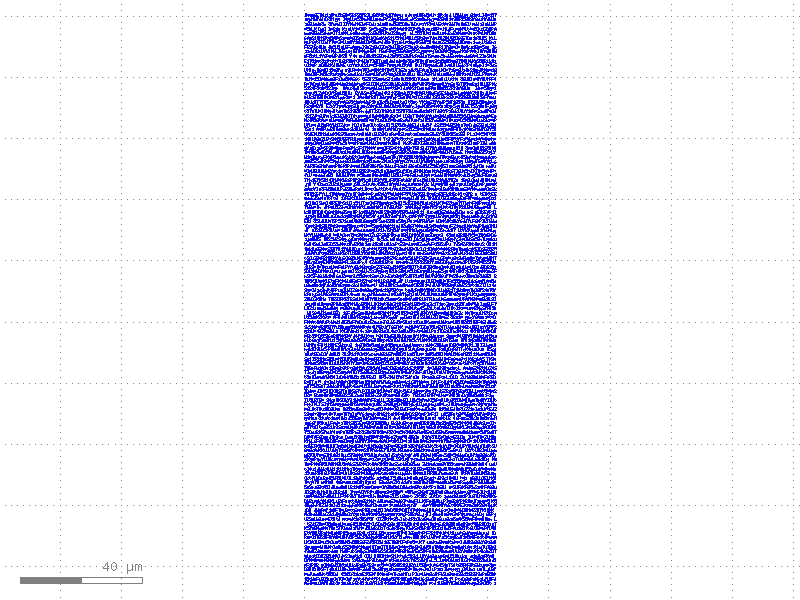
Let’s generate a massive block of text to demonstrate the speed of gdswell.
We’ll create 10,000 random characters and measure the time it takes to build the cell.
n_chars = 10000
base_chars = "".join(random.choices(string.ascii_letters + string.digits + " ", k=n_chars))
# Insert newlines every 80 chars for better readability
chars = "\n".join([base_chars[i : i + 80] for i in range(0, len(base_chars), 80)])

# Use a specific layout to measure performance isolated from previous runs
with gw.Layout() as layout:
    start_time = time.perf_counter()
    t = text(chars, layer=MyLayers.TEXT, size=1.0)
    end_time = time.perf_counter()

    duration = end_time - start_time
    print(f"Time to create cell with {n_chars} characters: {duration:.4f} seconds")
    print(f"Average time per character: {(duration / n_chars) * 1000:.4f} ms")
    print(f"Total cells in layout: {layout.kdb.cells()}")

# Visualizing the 10,000 character block
t.show()
t
Time to create cell with 10000 characters: 0.4059 seconds
Average time per character: 0.0406 ms
Total cells in layout: 0
Could not connect to Klive on localhost:8082. Is KLayout running with the Klive plugin?
Scalability & Hierarchical Reuse
The benchmark shows that text rendering is extremely efficient. This is because
gdswell creates a cell for each character once and uses hierarchical references
(instances) to place them throughout the layout. This not only speeds up generation
but also keeps the resulting GDSII file size minimal.
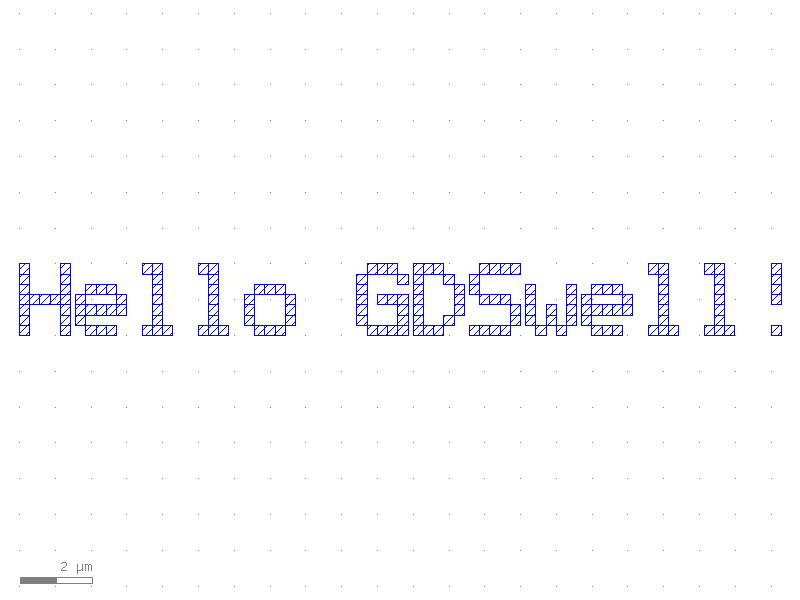
# Visualizing a small portion of our text
t_small = text("Hello GDSwell!", layer=MyLayers.TEXT, size=2.0)
t_small